
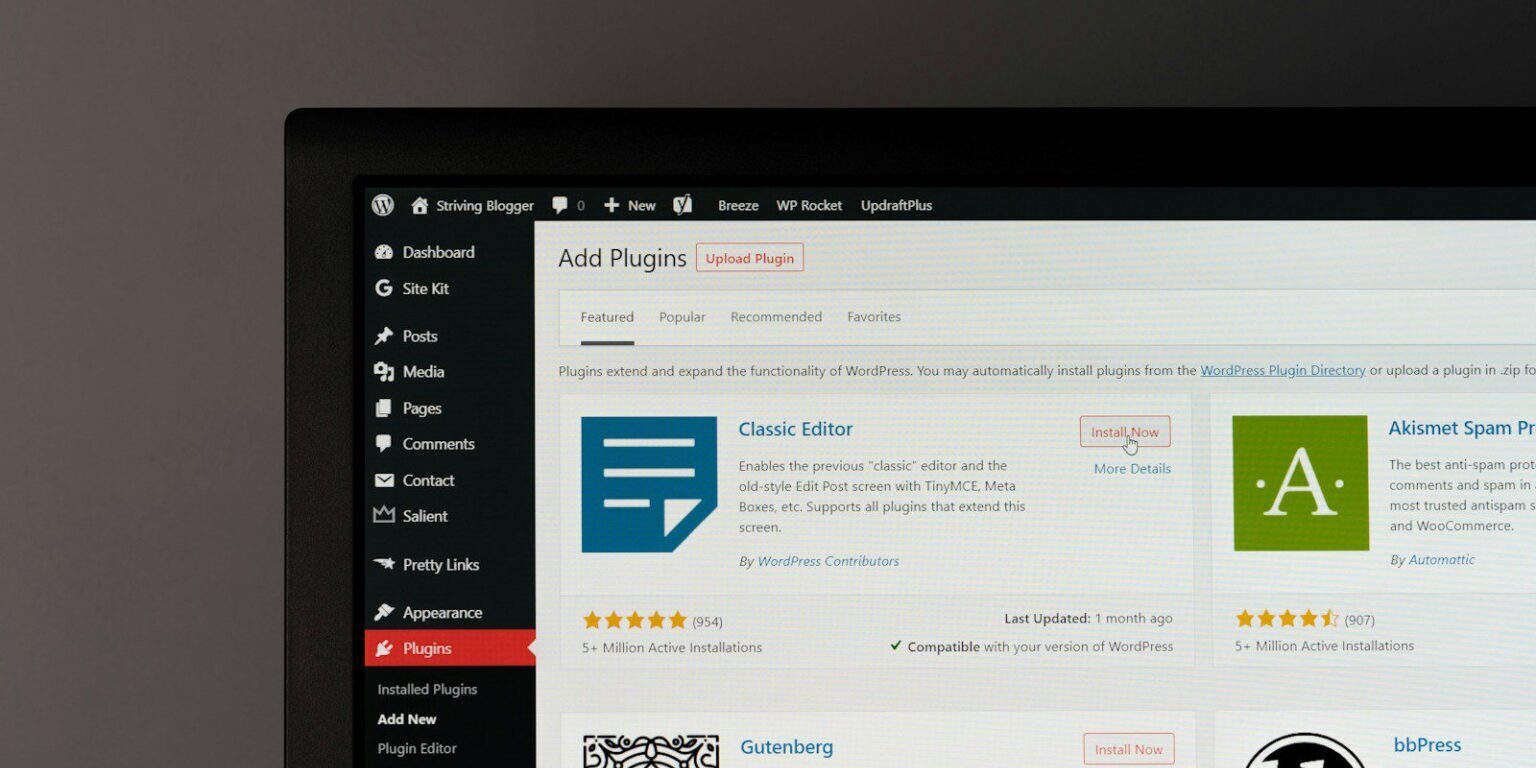
Plugins are one of the reasons WordPress is so flexible.
- Need a contact form? There’s a plugin.
- Want better performance? A plugin.
- Trying to improve SEO? Definitely a plugin for that.
Over time, it becomes easy to assume that most website issues can be solved by adding another tool. Sometimes that’s true. Often, it isn’t.
Plugins are tools, not strategy
Plugins are designed to add functionality. They’re good at solving specific, contained problems.What they don’t do well is compensate for deeper structural issues.
- If a site’s navigation is confusing, a plugin won’t make it easier to follow.
- If the homepage doesn’t guide visitors anywhere useful, a plugin won’t fix that.
- If pages are organized around internal thinking instead of visitor needs, no tool can undo that.
Plugins work best when the underlying structure already makes sense.
The danger of stacking plugins
One common pattern I see is installing multiple plugins to solve the same perceived issue.
- One plugin for forms turns into two.
- One SEO plugin is layered on top of another optimization tool.
- Performance plugins pile up in an attempt to counteract slowness.
Each plugin may seem harmless on its own. Together, they can create conflicts, slowdowns, and unpredictable behavior. Instead of simplifying the site, the stack makes it harder to maintain and harder to troubleshoot when something goes wrong. At that point, the site is being held together by patches rather than intention.
When plugins slow things down instead of helping
Every plugin adds weight. That doesn’t mean plugins are bad. It means they need to earn their place.
Over time, sites accumulate plugins that were added for past needs, temporary experiments, or quick fixes that never got revisited. Some are doing little at all. Others overlap in functionality. The result can be:
- Slower load times
- Increased risk during updates
- More things that can break unexpectedly
- A site that feels fragile instead of stable
Often, people respond by adding yet another plugin to address the symptoms, not the cause.
Structural problems show up as recurring frustration
A good way to tell whether you’re dealing with a structural issue is to notice repetition. If you find yourself thinking:
- “This still isn’t quite working.”
- “We already tried fixing this.”
- “Every update makes me nervous.”
- “Why does this feel so complicated?”
There’s a good chance the problem isn’t missing functionality. It’s how the site is put together. Structure affects how everything else behaves. When it’s off, small fixes never quite stick.
What helps instead of another plugin
When a site starts feeling patchy, the most helpful step is often stepping back instead of adding on.
That might mean:
- Reviewing which plugins are actually necessary
- Removing overlapping or outdated tools
- Looking at page structure and navigation instead of features
- Asking what the site is asking visitors to do, and whether that path makes sense
This kind of review is slower than installing a plugin, but it’s far more effective in the long run.
Choosing stability over quick fixes
Plugins are incredibly useful when they’re used intentionally. They’re much less helpful when they’re used to compensate for deeper issues. A stable site doesn’t rely on layers of tools to hold it together. It’s built on a structure that makes sense, with plugins that support that foundation—not trying to replace it.
If your site feels increasingly complex despite constant tweaking, it may be time to focus less on adding features and more on understanding what’s underneath.
That shift often leads to fewer tools, fewer surprises, and a site that’s easier to live with.
